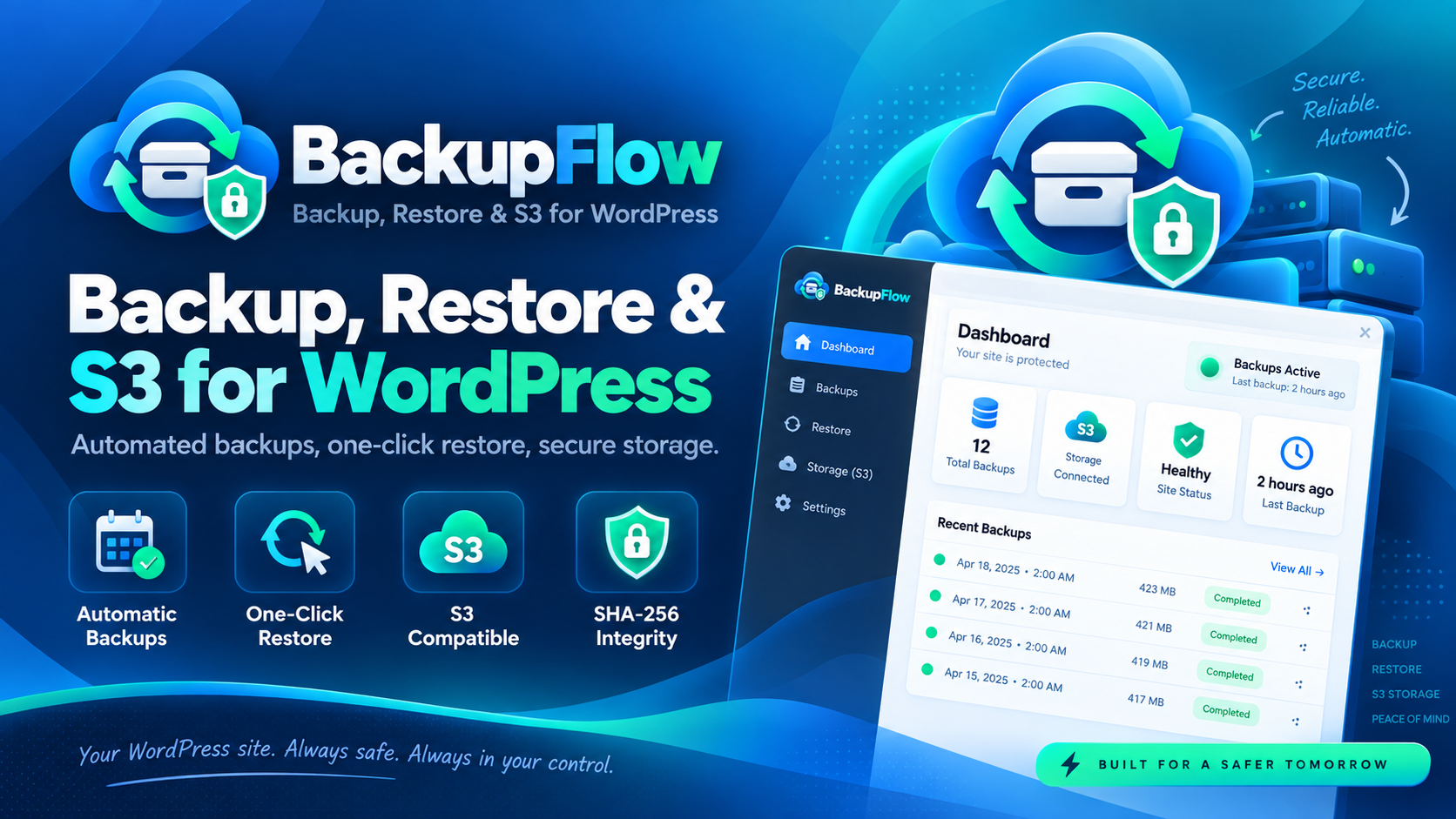
Protege tu sitio WordPress con backups completos, restauraciones seguras, automatización avanzada y almacenamiento S3.
BackupFlow es una solución completa para crear, gestionar y restaurar copias de seguridad de WordPress directamente desde el panel de administración.
Realiza backups de archivos, base de datos o ambos, prográmalos automáticamente, almacénalos de forma local o en servicios compatibles con Amazon S3 y restaura tu sitio con un clic cuando lo necesites.
Diseñado poniendo especial atención en la integridad de los backups, la seguridad durante las restauraciones y el control del administrador.
🚀 Backups completos y flexibles
Elige exactamente qué quieres proteger en cada copia de seguridad:
- ✅ Backup completo de archivos + base de datos.
- 📁 Backup únicamente de archivos.
- 🗄️ Backup únicamente de base de datos.
- 📦 Compresión de los backups en formato ZIP.
- 🔐 Generación de checksum SHA-256 para comprobar la integridad de cada backup.
- 📋 Generación automática de un manifest.json con información sobre versión, componentes, exclusiones, tamaño y metadatos.
- ⚙️ Exportación de la base de datos mediante consultas SQL paginadas.
- 🌐 Compatible con instalaciones que utilicen un WP_CONTENT_DIR externo.
🛡️ Exclusión inteligente de archivos sensibles
BackupFlow excluye automáticamente archivos y directorios que normalmente no deberían formar parte de una copia de seguridad:
- .git, .svn y .hg.
- node_modules.
- Logs de WordPress.
- Archivos .env.
- Archivos .htpasswd.
- Claves y certificados .pem, .key, .p12 y .pfx.
- El propio directorio de almacenamiento de backups.
- Archivos temporales generados por el plugin.
Cuando sea necesario, el administrador puede incluir archivos sensibles de forma explícita, permitir por separado la inclusión de wp-config.php y definir sus propias exclusiones personalizadas.
⏰ Automatiza tus copias de seguridad
Configura tus backups una vez y deja que WordPress se encargue del resto mediante WP-Cron.
Frecuencias disponibles:
- 🕐 Cada hora.
- 🕑 Dos veces al día.
- 📅 Diario.
- 📆 Semanal.
- 🗓️ Mensual.
Además, BackupFlow incorpora un sistema completo de gestión automática:
- ♻️ Rotación por número máximo de backups.
- 🧹 Eliminación por antigüedad máxima.
- 🗑️ Limpieza automática de trabajos y registros antiguos.
- ⚙️ Cola de trabajos en segundo plano.
- 📊 Seguimiento del progreso de backup y restauración.
- 🔄 Recuperación de trabajos bloqueados o abandonados.
- 🔒 Bloqueo exclusivo para evitar operaciones simultáneas incompatibles.
- 🚫 Protección frente a trabajos duplicados.
📧 Notificaciones por correo
Recibe avisos cuando se produzcan eventos importantes:
- ✅ Backup completado.
- ❌ Backup fallido.
- ✅ Restauración completada.
- ❌ Restauración fallida.
☁️ Almacenamiento local y S3
Guarda tus copias de seguridad localmente o envíalas a un almacenamiento remoto compatible con S3.
🔐 Almacenamiento local protegido
Los backups locales se almacenan en un directorio protegido mediante diferentes mecanismos de seguridad:
- .htaccess.
- index.php.
- index.html.
- web.config.
- Permisos restrictivos del sistema de archivos.
Los archivos de backup no se sirven directamente desde el directorio de almacenamiento. Las descargas pasan por WordPress utilizando admin-post.php y están protegidas mediante permisos y nonces.
☁️ Compatible con Amazon S3, MinIO y servicios S3
- Compatible con Amazon S3.
- Compatible con MinIO.
- Compatible con proveedores que implementen la API S3.
- 🔏 Autenticación mediante AWS Signature Version 4.
- 📦 Subidas multipart para archivos de gran tamaño.
- 🔐 Cifrado de servidor mediante AES256.
- ⚙️ Endpoint, bucket, región, prefijo y path-style configurables.
Las credenciales pueden configurarse desde el panel de administración o mediante constantes WPBM_S3_*.
Las credenciales almacenadas localmente se cifran mediante OpenSSL y cada backup conserva información sobre la configuración de almacenamiento con la que fue generado.
♻️ Restauración segura con un clic
Restaura tus backups directamente desde el panel de WordPress y selecciona qué componentes quieres recuperar:
- 📁 Solo archivos.
- 🗄️ Solo base de datos.
- 🔄 Archivos + base de datos.
Antes de realizar una restauración, BackupFlow ejecuta diferentes comprobaciones para reducir el riesgo de utilizar un backup incorrecto o manipulado.
- 🔐 Verificación obligatoria del checksum.
- 📋 Validación del manifiesto y de sus componentes.
- 🌐 Detección de backups procedentes de otro dominio.
- 🌐 Detección de backups pertenecientes a otro sitio dentro de WordPress Multisite.
- 💾 Creación automática de un backup de seguridad previo a la restauración.
- 🚧 Activación del modo mantenimiento real mediante .maintenance.
- 🛡️ Protección del tráfico mientras se ejecuta la restauración.
- ⚙️ Preservación de opciones necesarias para el funcionamiento del plugin.
- 🔌 Preservación de active_plugins.
- 🧹 Limpieza de caché después de completar el proceso.
🛡️ Protecciones durante la restauración
El proceso de restauración incluye controles específicos frente a:
- Zip Slip.
- Rutas fuera del directorio permitido.
- Enlaces simbólicos.
- Rutas duplicadas.
- Archivos manipulados.
- Paths inválidos.
- Sobrescritura no autorizada de wp-config.php.
Las exclusiones almacenadas en el manifiesto son respetadas durante la restauración. Además, el plugin evita restaurar sobre su propio directorio activo e ignora archivos .maintenance que pudieran encontrarse dentro del backup.
🔒 Seguridad en cada operación
BackupFlow incorpora diferentes capas de control para proteger las funciones más sensibles del sistema:
- 👤 Capacidades independientes para gestionar, restaurar, descargar y eliminar backups.
- 🔑 Nonces para operaciones sensibles.
- 🌐 Validación de dominio.
- 🛡️ Protección frente a path traversal.
- 📦 Validación de rutas contenidas dentro de archivos ZIP.
- 🔍 Detección de elementos duplicados.
- ✅ Validación de entradas externas.
- ☁️ Validación de buckets y endpoints S3.
- 📏 Verificación del tamaño de archivos remotos.
- 🔐 Verificación de checksum antes de descargar o restaurar.
- 🚫 Los archivos de backup no se exponen directamente.
- 🔏 El secreto S3 nunca se devuelve mediante la API REST.
- 🔑 Las claves de licencia se almacenan cifradas localmente.
🩺 Preflight y estado del sistema
Antes de realizar operaciones importantes, BackupFlow puede comprobar automáticamente si el servidor está preparado.
El sistema de preflight revisa:
- 🐘 Versión de PHP.
- 📦 Disponibilidad de la extensión ZIP.
- 🗄️ Conexión con la base de datos.
- 💽 Espacio libre disponible.
- ✍️ Permisos de escritura del almacenamiento.
- 📂 Disponibilidad del almacenamiento temporal local.
- ⏰ Estado de WP-Cron.
- 📅 Próxima ejecución programada.
- 🛡️ Protección web del directorio de almacenamiento.
- ☁️ Configuración del almacenamiento.
- ⚠️ Errores relacionados con la programación de tareas.
- ⚙️ Trabajos actualmente activos.
- 🔒 Estado del bloqueo de restauración.
📊 Dashboard completo de administración
Controla el estado de tus copias de seguridad desde una interfaz centralizada dentro de WordPress.
- 📈 Estadísticas generales.
- ✅ Número de backups completados.
- ❌ Backups fallidos.
- 💽 Espacio de almacenamiento utilizado.
- ⏰ Próxima ejecución programada.
- 🩺 Estado general del sistema.
- 🚦 Preflight visual.
- 📦 Listado completo de backups.
- ⬇️ Descarga de backups.
- 🔍 Verificación de integridad.
- ♻️ Restauración.
- 🗑️ Eliminación.
- ⛔ Cancelación de trabajos en cola.
- 📜 Registro de actividad.
- 🔔 Notificaciones de estado.
- ⚙️ Configuración completa desde el panel.
- ☁️ Configuración S3 integrada.
- 🔑 Pantalla independiente para la gestión de licencia.
⌨️ Compatible con WP-CLI
¿Administras servidores desde terminal? BackupFlow también incorpora comandos para WP-CLI.
Desde la línea de comandos puedes:
- 💾 Crear backups.
- ♻️ Restaurar backups.
- 📋 Listar las copias disponibles.
- 🩺 Ejecutar comprobaciones de preflight.
- 🧹 Limpiar temporales y trabajos obsoletos.
✨ Todo lo necesario para gestionar los backups de WordPress
BackupFlow combina backups automáticos, restauraciones selectivas, comprobación de integridad, almacenamiento S3, rotación, monitorización y herramientas de administración en una única solución.
Tanto si administras un único WordPress como si gestionas proyectos profesionales, servidores o múltiples instalaciones, dispones de las herramientas necesarias para mantener tus copias de seguridad organizadas, verificadas y listas para restaurar.
💾 Automatiza tus backups.
🔐 Comprueba su integridad.
☁️ Almacénalos localmente o en S3.
♻️ Restaura cuando lo necesites.